Bowerbird is a digital fabrication and computational geometry plugin for Rhino and Grasshopper. It excels at automatic generation of waffle and layer models, advanced curve-on-surface analysis, and fabrication-ready single-line text rendering.





- Rhino 8 or newer (due to the .NET 8 runtime requirement)
The easiest way to install Bowerbird is through the Rhino Package Manager:
- Open Rhino 8 or newer.
- Execute the
_PackageManagercommand. - Search for Bowerbird.
- Select the package and click Install.
- Restart Rhino.
- Download
Bowerbird.gha. - Right-click the downloaded file > Properties > Check Unblock if available.
- Drag and drop
Bowerbird.ghainto the Grasshopper window.
- Waffle framing for Breps by IIT DC 2016
- Waffle example by Parametric Curiosity
- Layer models with Bowerbird and OpenNest (German) by Team Digital
| Feature | Description |
|---|---|
| Waffle Generation | Generate structural orthogonal waffles, radial waffles, and generic slices with slits from freeform volumes. 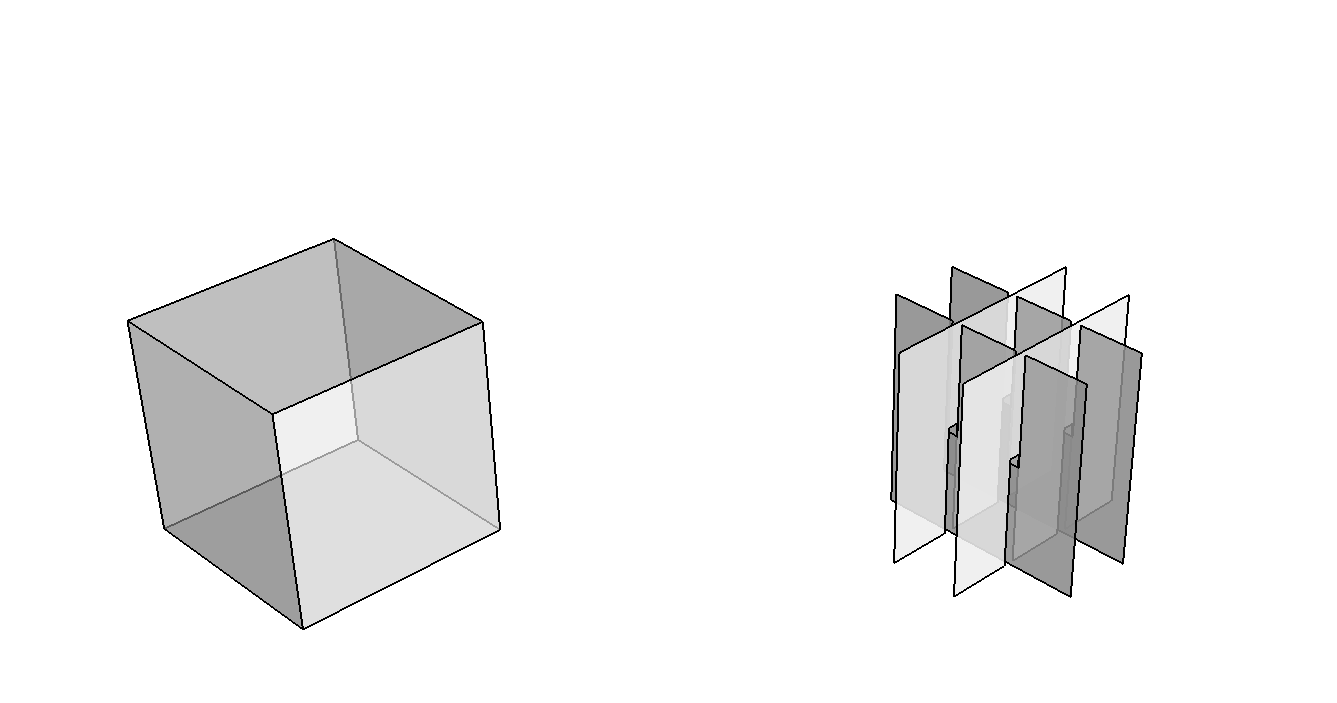 |
| Layer Generation | Generate layer models with automatic overlap from freeform volumes. 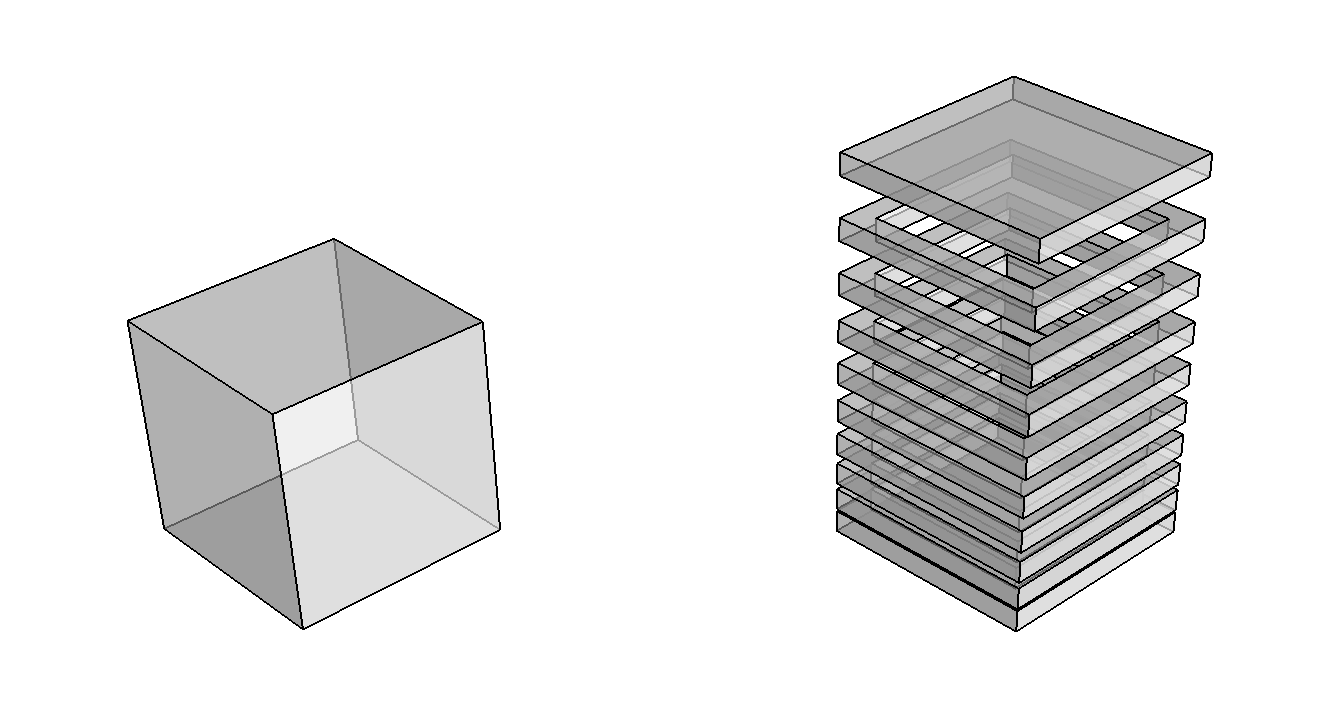 |
| Curvature Fields & Paths | Find asymptotic paths and principal curvature paths on freeform surfaces, measure normal/geodesic curvature and geodesic torsion, and integrate or plot curvature fields. 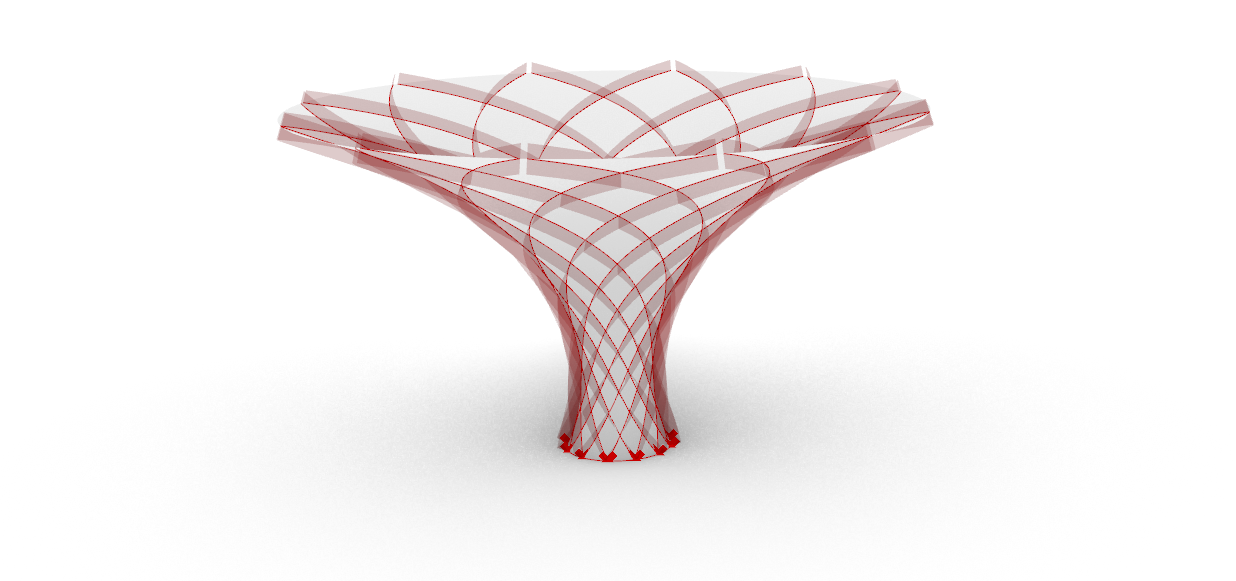 |
| CNC Single-Line Text | Render CNC-compliant single-line fonts for engraving and fabrication labels.  |
| Boolean Polylines | Perform efficient boolean polyline operations. |
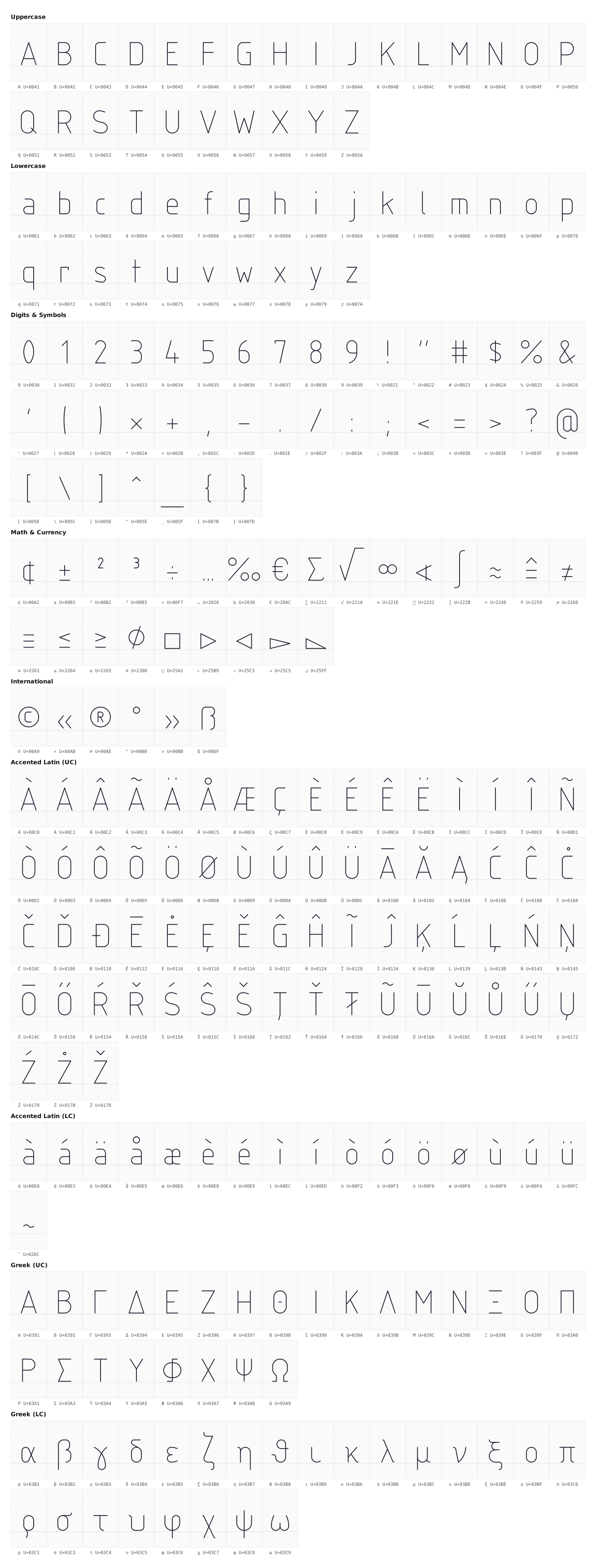
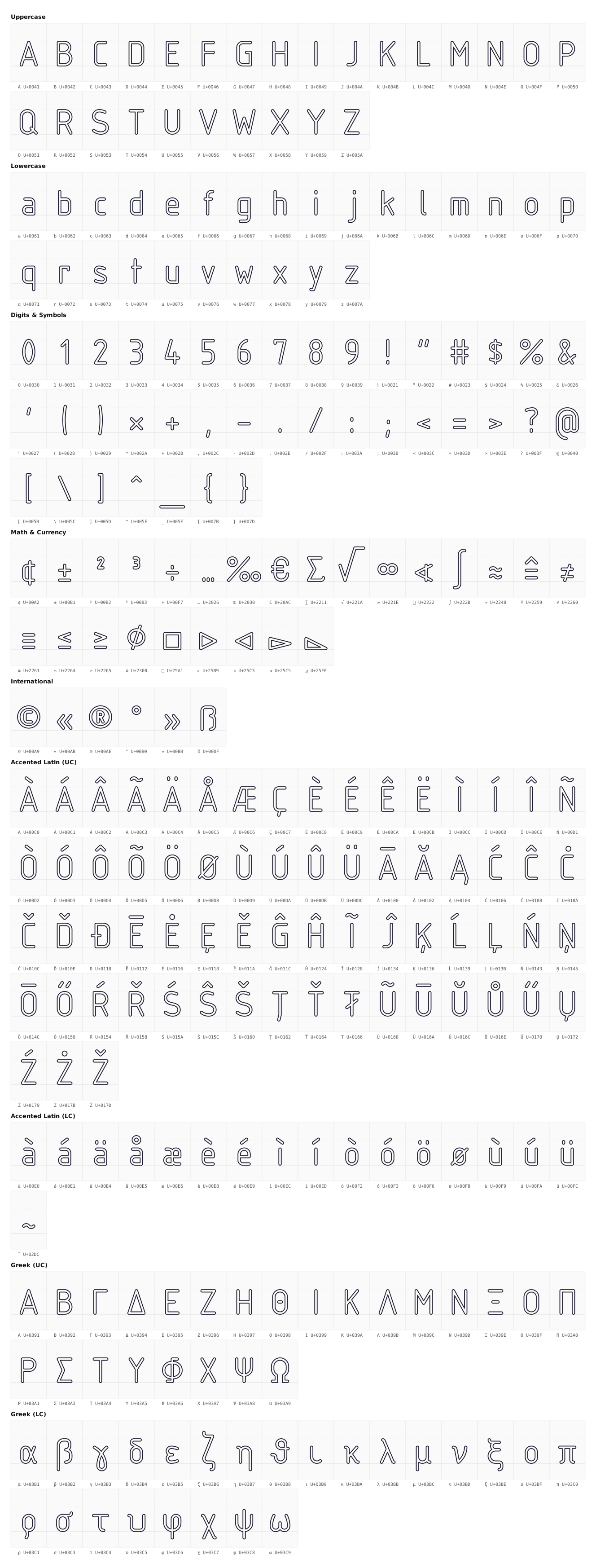
Bowerbird ships two built-in single-line fonts for CNC engraving and fabrication labels.
If you use Bowerbird, please refer to the official GitHub repository:
@misc{Bowerbird,
  author = "Thomas Oberbichler",
  title = "Bowerbird",
  howpublished = "\url{http://github.com/oberbichler/Bowerbird}",
}