Releases: d2phap/ImageGlass
Releases · d2phap/ImageGlass
ImageGlass 8.1.4.18 - Home

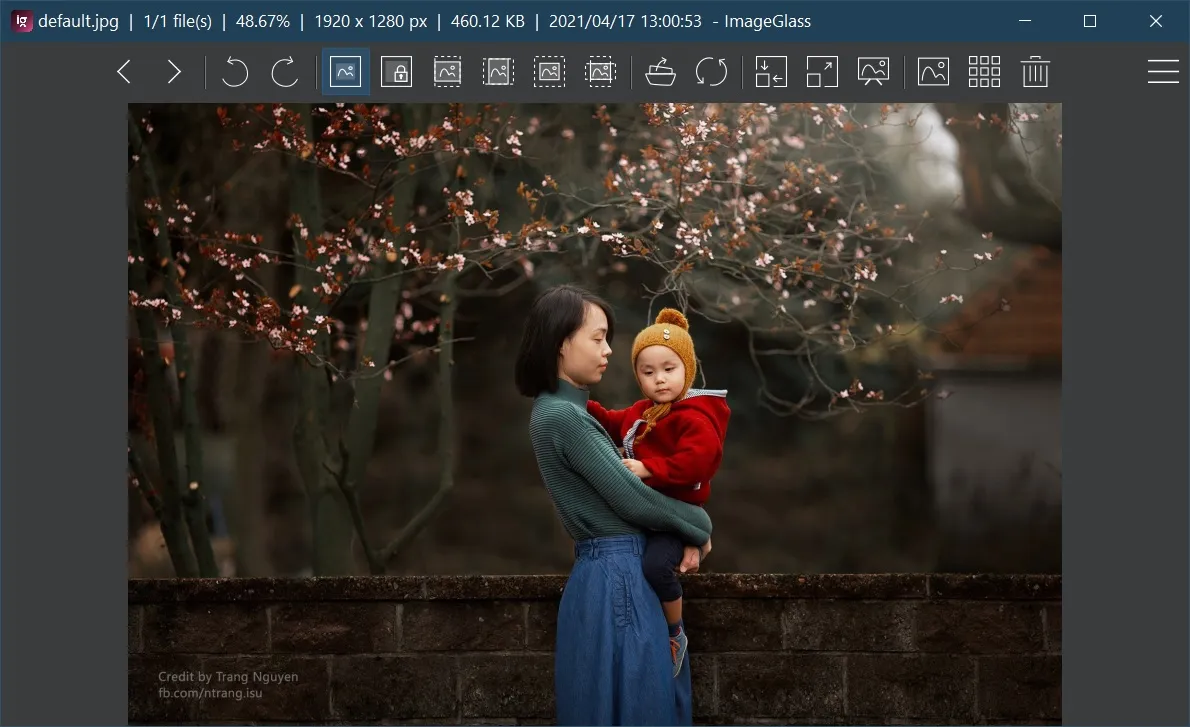

🌪 Breaking change:
- Shortcut for "Save image as..." menu changed from Ctrl+S to Ctrl+Shift+S (#939)
- Shortcut for "Open image location" menu changed from Ctrl+Shift+L to L (#958)
🌱 New:
- Added JPEG XL (
*.jxl) support (#940), kudo to @cocoon! - Added "Save image" menu (Ctrl+S) (#939)
- ImageGlass official Discord server: http://discord.io/imageglass 🍹
🔮 Improvements:
- Updated Magick.NET to 7.23.3.0
- Improved startup time when opening the image in a large folder (#881), kudo to @dixonte!
- Exif tool: Added ability to customize the EXIF tags to view (#978)
- Disabled "View channels" menu if it is not supported for the viewing image (#571)
- Hid "Open with" menu on Windows 7 (#869)
- Added more interpolation options in Zoom Optimization setting (#949)
- Added current viewing folder item in Open/Save file dialog (#952)
- Reused the existing File Explorer window for "Open Image Location" (#972), kudo to @dixonte!
- Improved opening time of menu / context menu.
- Updated the text in Check for update dialog to be more subtle (#932)
🐛 Bugfixes:
- Fixed an issue where cannot integrate
exiftool.exeif its path contains space (#927), kudo to @Norgerman! - Fixed an issue that an unhandled exception thrown when using Windows touch and pen input (#928)
- Fixed an issue that an unhandled exception thrown when saving a theme (#872)
- Fixed an issue where memory leak happens for certain GIF files (#950)
- Fixed an issue where the app crashed in Settings if using custom ThumbnailDimension (#967)
- Fixed an issue that HEIC images with YUV444P8/10 color space doesn't present correct chroma resolution (#977)
- Fixed an issue that unchecking "Auto-center the window in Window Fit mode" in Settings doesn't work (#987), kudo to @flyxyz123!
- Fixed an issue that toolbar disappears when returning from Full screen mode (#961), kudo to @cocoon!
- Fixed an issue that Previous / Next Image with arrow keys also pan the view (#963), kudo to @fire-eggs!
- Fixed an issue that toolbar buttons are misaligned after maximized (#965), kudo to @cocoon!
🥒 Checksums:
Note: The ImageGlass_8.1.4.18_x64.msi file is updated to fix the issue #1014. Hence the SHA-1 checksum is updated, too.
| File | SHA-1 |
|---|---|
| ImageGlass_8.1.4.18_x64.msi | 53b3a51d9387b8bd0ed18fc1d91a5a3a7f327a31 |
| ImageGlass_8.1.4.18_x64.zip | 60b346921f58d1507a46cbf2849385a01a21a99f |
| ImageGlass_8.1.4.18_x86.msi | a1f1eab1b22cda675231e9fdac722ac5eea18107 |
| ImageGlass_8.1.4.18_x86.zip | c27d30803e6b47f6c771c189c4f37340e3126fe4 |
Contributors


cocoon, dixonte, and 3 other contributors
Assets 7
ImageGlass 8.0.12.8 - Kobe
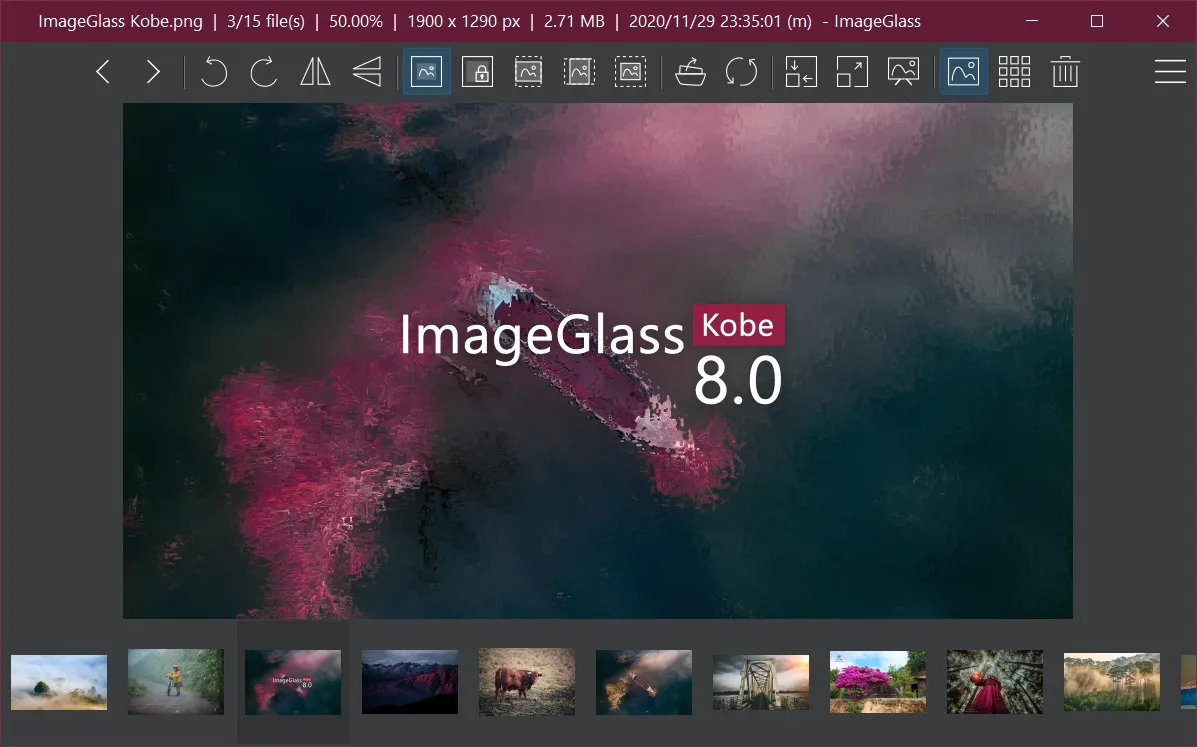

🌪 Breaking change:
- .NET Framework 4.8 or later.
- Theme configuration filename is changed from
config.xmltoigtheme.xml. For the latest theme pack information, please refer to https://github.com/ImageGlass/theme DefaultThemefolder is removed, replaced byThemeswithKobefolder as the default theme pack.
🌱 New:
- Supported new file formats by default: JP2 (#785), CR3 (#788), AVIF (#867), HEIF (#893).
- Added new tool: Exif tool (#336, #751, #661, #146, #342, #207, #200, #626)
- Accessible via Main menu > Tools > Exif tool, or shortcut: X.
- Ability to integrate
exiftool.exeto ImageGlass by locating its binary file, which can be downloaded at (http://exiftool.org/). The binary filename should beexiftool.exe. - Adds option to keep the tool window always on top.
- Views Exif data of the viewing image.
- Auto-updates Exif viewer when navigating to other images.
- Copies the selected value of Exif property.
- Exports all Exif data to a text file.
- Added option to change toolbar button size (#513, #222). Kudos to @gsomix for #879.
- Added option to group images list by directory (#890). Kudos to @sunbinyuan for #891.
- Added options to run an action after opening external editing app (#413, #907):
- Minimize ImageGlass.
- Close ImageGlass.
- Added option to entirely hide the toolbar button's tooltips (#836).
- Color picker tool: Added new color format HSV (#738).
- Added option to customize image quality for editing (#870).
- Added option to delete registered extensions of ImageGlass in Settings > File type association (#546).
- Added new options to customize ImageGlass in theme pack:
- Custom logo
- Accent colors
- Menu background and text colors
- More details: https://github.com/ImageGlass/theme
- Experiment features:
- Added option to hide logo and text on Title bar (#915).
🔮 Improvements:
- Improved performance for 64-bit. ImageGlass now loads RAW files 2 times faster by using Magick.NET OpenMP v7.22.2.0 (b66ab97).
- Supported pasting and opening Base64-only string from clipboard without MIME type (#808).
- Removed the gradient background color of Navigation areas (#825).
- Cropping tool visual enhancement (#755):
- Renamed "Clear" to "Reset".
- Made the "Reset" button different from the other 3 buttons.
- Improved error message when opening invalid image data from clipboard (#865).
- Supported stepping through GIFs frame-by-frame for Page Navigation tool (#680, #880).
- Swapped shortcuts for Copy and Copy image data function (#845, #901).
- Added shortcuts for changing
Loading order(Shift+O) andView channels(Shift+C) (#456). - Changed shortcuts (#551)
- Full screen from Alt+Enter to F11.
- Slideshow from F11 to F12.
- Improved MSI installation (#691), kudos to @theonemcdonald for #835:
- Added shortcut in Start menu.
- Added Options to disable Desktop icon.
- Enabled more options in the context menu on image error (#713).
- Removed resizable border in Frameless mode (#916).
- Specially thanks @unquietwiki for hug efforts in refactoring old codes (#811, #813).
- Tweaked spacing and alignments in Settings > Theme.
🐛 Bugfixes:
- Fixed an issue that only portions of an image with CMYK profile are shown (#779, #796).
- Fixed an issue that using shortcut for copying, cutting, pasting text into Rename dialog does not work (#770, #834).
- Fixed an issue that the Incompatible warning dialog is shown if the
igconfig.xmlfile does not exist (#771). - Fixed an issue that an Unhandled exception is thrown when saving the image after pasting from clipboard (#782). Kudos to @unquietwiki!
- Fixed an issue that images won't open in
config.xmlpresence on some machines (#765). Kudos to @demonlord98 for #783! - Fixed an issue where window position and size change when opening a picture (#774).
- Fixed an issue that happens in multiple monitors where the window restores the wrong screen when maximized (#706, #853).
- Fixed an issue that tooltip blinks when being hovered on a button at the bottom of the screen (#634, #836).
- Fixed an issue that "Save As" for the first image in the list always uses "untitled.png" (#883).
- Fixed an issue that ImageGlass does not open the BMP file that has an issue with length and file size in metadata (#708).
- Fixed an issue in Frameless mode that thumbnail requires double-click to select an image (#873).
- Attempted to fix an issue that the color of RAW formats is not correct, yellowish (#464, #401, #758).
🥒 Checksums:
| File | SHA-1 |
|---|---|
| ImageGlass_8.0.12.8_x64.msi | 24d0dfac4d09ac2d00568c36d775c9e391b15cae |
| ImageGlass_8.0.12.8_x64.zip | 49ab1bfecd1d2a7a90836b93aa53f1e71e81a9b9 |
| ImageGlass_8.0.12.8_x86.msi | 7d57cff0088e93bd9815abb79b27df035c6817df |
| ImageGlass_8.0.12.8_x86.zip | 2ec371a5357220fffc89b1a26153642eabb3d842 |
Contributors


gsomix, unquietwiki, and 2 other contributors
Assets 6
ImageGlass 7.6.4.30 - 10th (❁´◡`❁)


New:
- Created new repository for ImageGlass theme pack at: https://github.com/ImageGlass/theme. You can fork this to create theme pack for ImageGlass.
- Added Cropping tool to allow to crop and save the viewing image, select and copy the selection to clipboard (#594).
- Base64 image format support (#741):
- Directly view
.b64format. - Support viewing
.txtas base64, but need to manually add extension in Settings > File Type Associations tab. - Conversion from image format to base64 (
.b64or.txtextension). Supported MIME types are:image/gif: animation supportedimage/tiff: multi-page supportedimage/webp: animation supported (*)image/svg+xml: scaling supported (*)image/bmp,image/jpeg,image/x-iconimage/png: all other image formats will be saved as PNG base-64
(*) - when copy the base64 content and open in browser - Chrome
- Conversion from base64 to image format limitation:
- TIFF / GIF: Only first frame/page.
- SVG base-64 converted to pixelated format.
- Directly view
- Added more info of the viewing image in title bar (#687):
- Color profile
- Image file date time is now either
- EXIF DateTimeOriginal with suffix
(o), or - EXIF DateTime without suffix, or
- LastModifiedTime with suffix
(m).
- EXIF DateTimeOriginal with suffix
- Added an option in theme
config.xmlfile to change size of navigation arrow icon (#552). See full options and learn how to create a theme pack for ImageGlass at https://github.com/ImageGlass/theme. - Added Open with... feature to allow open the viewing image in other apps (#684).
- Added an option to play slideshow in random interval (#704).
- Added Color picker button on toolbar (#744).
Improvements:
- Reworded shortcuts in ImageGlass (see Shortcuts reference)
- Reworked navigation arrows with better visual (#711).
- Prevent screen turned off / sleeping while playing slideshow (#718).
- Used grey color schema for Check for update, Settings, About, Add new extension, Add new editing app window; Used current theme color scheme for Rename, Go to... dialog (#580).
- Initialized the color picker dialog when changing background color (#569).
- Auto-scroll the thumbnail bar to align the selected item in the middle (#698) - thanks to @TheApX.
- Added title for tool windows.
- Added new Viewer category in Settings > General tab.
- Enabled basic support for long file path (more than 260 chars) (#530).
- Standardized menu items with ellipsis (…) for the functions require extra actions.
- Added an option to disable touch gesture support (enabled by default).
Bugfix:
- Fixed an issue resulting parsing ZoomLevels after upgrade (#677).
- Fixed an issue where new version hint is shown even tough latest version is installed (#688).
- Fixed an issue when the
%APPDATA%\ImageGlassfolder does not exist, ImageGlass does not write any configs (#689). - Fixed an issue where the installed folder path contains dot causes startup/config problem (#676).
- Fixed an issue where TGA images are rendered upside-down (#679).
- Fixed an issue where navigation arrows are blinking on hover (#726).
- Fixed an issue where navigation arrows require multiple clicks to quickly change images (#723).
- Fixed an issue where navigation arrows collide with viewer scrollbars (#618).
- Fixed an issue resulting loading TIFF and the image files that contain color profile slower 4 times due to Magick.NET library's bug (#720).
- Fixed an issue where touchscreen image navigation backwards (#736).
- Fixed an issue when changing toolbar buttons causes big gap on toolbar (#732).
- Fixed an issue resulting ImageGlass cannot view some image with invalid color / EXIF profile (#742).
- Fixed an issue preventing ImageGlass starting up by a popup with "Insert a disk into device D:" message (#674).
- Fixed an issue resulting high disk activity causes by metadata caching of thumbnail bar (e04b49d).
- Fixed an issue where the config "LastSeenImagePath" fails if any folder in the path starts with "n" (#567).
- Fixed an issue insulting panning image sometimes enables dragging file to other app feature (a9bbf40).
- Fixed an issue where Page Navigation not initialized on open (#721).
- Fixed an issue where version value is not consistent in executable files.
Checksums:
| File | SHA-1 |
|---|---|
| ImageGlass_7.6.4.30_x64.msi | e909cae965d2ebf98fc9597eb922294c66b94611 |
| ImageGlass_7.6.4.30_x64.zip | 5d9781319eb6d2bd474080c4a9a5ee9b9bb9e0f7 |
| ImageGlass_7.6.4.30_x86.msi | ff2ec44e8af4cb10dd7f5b3d0d4acb4828374f5f |
| ImageGlass_7.6.4.30_x86.zip | 00765b57c051107e8a4bd1ef2246e4f3b8c1c8d3 |
ImageGlass 7.5.1.1


Breaking changes
- Some of the settings in
igconfig.xmlfile required to update, see #upgrade-guide
New:
- New ImageGlass settings engine
- Provides 4 levels of setting files (#588):
- Level 1: Built-in app settings
- Level 2: Default settings from file:
igconfig.default.xml(located inStartUpDir) - Level 3: User settings from file:
igconfig.xml(located inConfigDir) - Level 4: Admin settings from file:
igconfig.admin.xml(located inStartUpDir)
- Reduces File IO by using in-memory variables to store the settings. All the settings will be written the hard disk when the app closed. It fixes the issue #542, #600 and #644.
- No longer requires writing an empty
igconfig.xmlfile in AppData folder in Portable mode #474. - Fixed: ImageGlass keeps on resetting
igconfig.xmlfile #542, #600, #644, #659
- Provides 4 levels of setting files (#588):
- Introduce new window mode: Frameless.
- Hold Shift to move the window
- There are basically 4 window modes:
- All window modes can be combined to make the new amazing window modes:
- Windowed slideshow (F11 -> Alt+Enter -> Alt+Enter)
- Frameless windowed slideshow (F11 -> Alt+Enter -> Alt+Enter -> F10)
- Window-fit slideshow (F11 -> F9 -> F10)
- Frameless Window fit (F10 -> F9)
- Introduced new zoom mode: Scale to fill Ctrl+D #436
- Added countdown timer in Slideshow mode by default #662
- Supported touch gestures #96, #497
- Swipe left/right for previous/next picture
- Rotate in either direction (90-degree)
- Zoom in/out at a location via spread/pinch
- Zoom in/out via swipe up/down
Improvements:
- Improved startup time by compiling to native image (2b005b5), and reduce flickering window graphic rendering.
- Slightly reduce memory usage #613
- Upgraded Magick.NET to 7.15.0.0
- ImageGlass now checks the compatibility of the config file and warns user by a message box.
Default formatsandOptional formatsgroup are now merged into one.- Added a toast message after finishing extracting image pages #565
- Added Edit image button on toolbar #641
- Renamed Window adapt to image to Window fit
- Auto-center image by default in Window fit mode #468
- Added option to toggle toast messages off and on #657
- Limited number of characters allowed in Rename dialog to 250 #579
- Filtered illegal characters in Rename dialog #577
- Increased duration of slideshow up to 10 minutes #662
- Support viewing multi-page image formats: TIF, GIF, ICO
- New tool: Page Navigation Ctrl+Shift+J
- Page navigation shortcuts: Ctrl+ (Nav keys combo)
- Extract all pages
- Add option to auto-show Page navigation tool for multi-page image
Bugfix:
- Fixed: Cannot open the image file that contains invalid profile tags #603
- Fixed: The alignment issue of the step 4 in First-launch configurations #592
- Fixed: Wrong orientation for HEIC image #559
- Fixed: Unable to open ImageGlass due to invalid
igconfig.xmlfile #632 - Fixed: Resize thumbnail bar doesn't apply auto zoom #597
- Fixed: Some 32-bit integer TIF files no longer openable #637
- Fixed: In "Play Slideshow" mode, ImageGlass automatically resumes to play when "view next/previous image" is activated #609
- Fixed: Viewing next/prev images in rapid succession with mouse causes undesired 1:1 zoom #387 (kudos to @LunaAshai)
- Fixed: ImageGlass consumes high CPU when thumbnails contain PSD #617
- Fixed: Typo of Filetype associations #610
- Fixed: Window doesn't open in the place it was last closed #606
- Fixed: Changing "Center Image" setting doesn't redraw image #640
- Fixed: Unhandled exception on Cancel of File Association #639
- Fixed: Crashed when open iOS background HEIC images #647
ImageGlass 7.0.7.26


New:
- Updated new ImageGlass logo
- New core library of ImageGlass called
ImageGlass.Heart(#527)- Replaced
ImageGlass.CorebyImageGlass.Heart - No longer use library IconLib for
*.ICOformat - Supported asynchronous functions
- Allow user to adjust the number of images cached with ImageBooster (#545)
- Replaced
- Added feature: View image file from website via
imageglass:protocol (#557) - Added feature: Support open image file by relative path
- Added feature: Reload image list Ctrl+Shift+R (#505)
- Added feature: View color channels (Red, Green, Blue, Black, Alpha) separately (#181)
- Added option: Use Windows File Explorer sort order if possible (#139)
- Added option: Sort image list by ascending or descending (#528)
- Added option: Open image in new window (#534)
- Added option: Load image at top left or center position (#250)
- Added option: Customize zoom levels (#420)
- Added options: Customize navigation keyboards to some actions (#108, #173)
- Zoom in/out
- Pan up/down/left/right
- Pause slideshow
- View next/previous image
- Added menu: Exit ImageGlass (#500)
Improvements:
- Upgraded Magick.NET to v7.14.0.3
- Reorganized main menu
- Allow to load multiple shortcut targets to image list (#510)
- Supported non-looping GIF format (#516)
- Remember the last selected 'Save As' file extension (for the current session) (#416)
- Color picker: Added a new field that records the X and Y coordinate that you clicked on (#536)
- Drag-drop tweak, support drag entire volumes into ImageGlass (0b7a287)
- Removed option: Turn on Image Booster when navigate back (enable it by default) (8043fd6)
- Allow drag-drop into thumbnail bar (028298d)
- Slideshow (fb673de)
- Always show image for slideshow time
- Don't loop slideshow if setting is off and user pressed
End - Timer start / stop are duplicated some times
- Changed hotkeys:
- Reload image Ctrl+R
- Extract image frames Ctrl+J
- Used leading number for exported image frames from GIF file (#563)
- Disabled system sound when Alt+Enter presses (#555)
- Prevented user entry of characters which break Edit settings (#543)
Bug fixes:
- Fixed: Original image is overridden when rotating screenshot image (#526)
- Fixed: Background of collapsed menu white instead of following theme color (#511)
- Fixed: When opening certain images the mouse arrow stays as the loading circle (#485)
- Fixed: Fails to start when thumbnail bar separator is close or greater than window size (#483)
- Fixed: Resource leaks when setting the navigation arrow cursors (#479)
- Fixed: Toggling disabled menu item state prevents menu from auto-collapsing (#394)
- Fixed: Attempting to access missing drive (#360)
- Fixed: Corrupted config file prevents ImageGlass from running (#542)
- Fixed: Auto zoom setting not updated on Toolbar state change (#554)
- Fixed: Could not drag/drop from CD or DVD (a4dc129)
- Fixed: Observed memory/resource leak on every color picker click (afbaabd)
ImageGlass 6.0.12.29
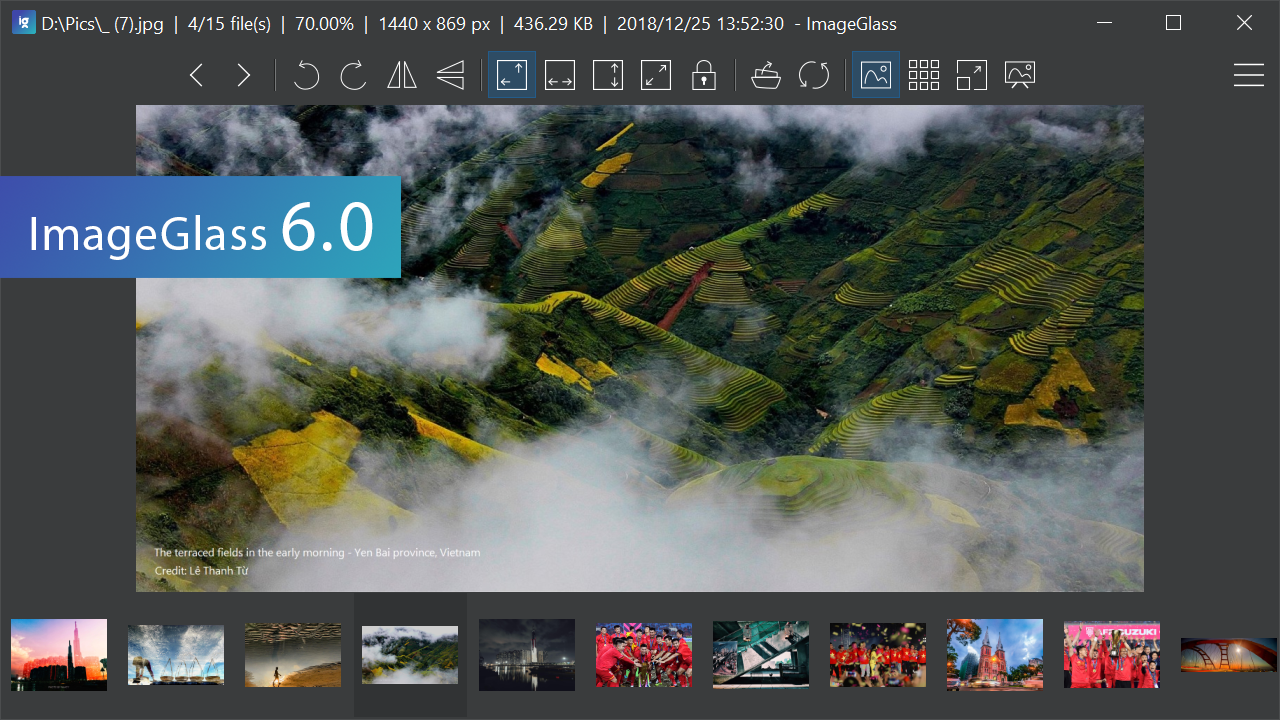

Changed:
- Removed the feature
Set as Lock screen imagefor MSI builds (#477). After installing, to enable it, you need to copy these files (from Portable version) to the installed folder:- igcmdWin10.exe
- System.Runtime.WindowsRuntime.dll
- Windows.winmd
Bug fixes:
ImageGlass 6.0.12.27

Breaking changes:
- App settings are no longer saved in registry (Installer version), but igconfig.xml file, located in configuration folder instead.
- The configuration folder contains these folders: Themes, Temp.
- To open the configuration folder, go to Settings > General tab.
New:
- Added feature: Color management settings (#43, #17).
- Added feature: Set Lock screen image for Windows 10 (#399).
- Added feature: Flip vertical (CTRL + ;) and Flip horizontal (CTRL + ') (#99).
- Added feature: Full-screen mode (toggle menu) (#407, #106).
- Added option: Open the last seen picture on startup (#304).
- Added option: Center toolbar buttons horizontally (#425).
- Added option: Display navigation arrow buttons on right & left edge (#448).
- Added option: Display checkerboard only in the image region (#259).
- Added support for drag-and-drop of multiple folders in the same session to view image files (#391).
Improvements:
- Upgraded Magick.NET lib to v7.9.2.0 to fix the application freezes issue caused by nVidia drivers + OpenCL.
- Improved launch performance (#446).
- Improved overall performance by using asynchronous loading (#462).
- Improved "Check for update" logic.
- Portable / Moon version will not include igconfig.xml file to avoid overriding user settings (#444).
- Used HTTPS protocol to access https://imageglass.org.
- The Shortcut text for Next/Previous buttons split out in language files, allowing them to be translated (#194).
- Rename dialog box is now re-sizable (#409).
- Show the current displayed image name in task bar (#403).
- Portable mode: removed absolute paths to Language, Theme (#392).
- Toolbar tooltip does not close after being clicked (#409, #426).
- Re-apply image zoom after modification (rotate, flip; thumbnail bar resize change).
- Auto-center the image when changing Zoom mode, opening new file (#437).
- Standardized and removed the message box from command line executable files:
igcmd.exe,igtasks.exe(#461).
Bug fixes:
- Fixed: cannot get the current style for Set desktop background (#136).
- Fixed: failure to load images if folder ends in "alternate space" (#415).
- Fixed: height of horizontal thumbnail bar.
- Fixed: potential crash from missing theme image.
- Fixed: Images downloaded via browser would not be seen by file watcher.
- Fixed: Vertical Thumbnail view causes crash on program restart (#402).
- Fixed: problems with network paths (#397).
- Fixed: potential resource leaks.
- Fixed: playback issues for certain GIFs on Windows 7 (#429).
- Fixed: crash when invoking ImageGlass a second time when "Allow multi-instance" is off.
- Fixed: CTRL + = and CTRL + - keys could zoom twice.
- Fixed: exception from Install / Remove theme on invalid folder.
- Fixed: Image list would only load from a sub-folder if the current image was in a sub-folder and list sort - order changed.
ImageGlass 5.5.7.26
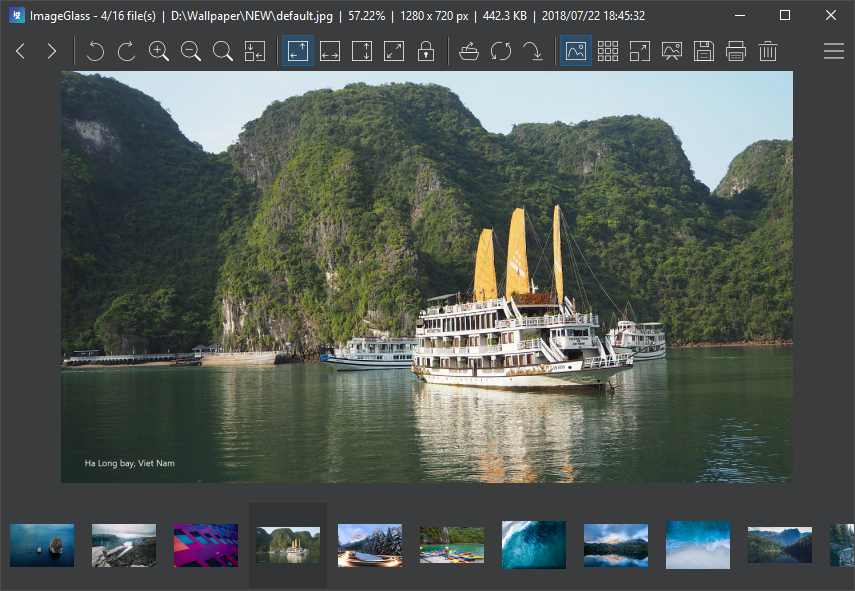

New:
- Zoom Mode: standardize all the zoom functions and group into modes: #67 #371
- Auto Zoom (Default) Ctrl+A
- Scale to Width Ctrl+W
- Scale to Height Ctrl+H
- Scale to Fit Ctrl+`
- Lock Zoom ratio Ctrl+L
- Reload Image: will freshly reload the viewing image without using cache Ctrl + F5
- Option to hide the thumbnail bar scrollbar #205
- File / folder shortcuts are now supported drag-n-drop #234
- Option to preserve mod date on edit #307
Improved:
- Updated Magick.NET to v7.5.0.1
- Upgrade to DotNetZip v1.11 to fix CVE-2018-1002205 (zip slip) 9416be7
- Changed
ToolbarButtonsstring format in config file / registry - Grid Cell Size of checkered background now supports high DPI #374
- Delay thumbnailbar update until all thumbnail items loaded a710e65
- First Launch Configurations screen: Design mode layout will no longer change the toolbar buttons bba39ed
- Theme improvement: #389
- Apply theme color to checkered background grid
- Apply theme color to Context menu and Main menu
Fixed:
- Fixed several issues about real-time file change detection #353 #361 #372 #373 #376
- Memory leak issue for some certain image files due to
ImageListViewCacheMetadataof thumbnail bar component #119 #359 #372 #376 - Infinite loop of First Launch Configuration #346
- Cannot disable the option Save the viewing image after rotating #351
- Window state reset when dragging title bar to restore normal state from maximize state #358
- Color picker unexpected/undesired positioning #352
- Settings: Edit button and Delete button are disabled due to removing Check style of listview in v5.1
- Auto Check for Update will not run if date format is incorrect 86c6961
- Write wrong key config
igVersione423be6 - Problems with Desktop Background: Mapped drive #326
- Problem with Desktop Background:
jpgimages don't work #327 - Switching away from 'large' .GIF files causes program to hang #344
- File extensions such as .h,.c,.md would be included on loading files 17c5a11
- GIF menu entries in right-click menu often disable for a multi-frame GIF 66bd09e
- Prev/Next menu shortcuts displaying wrong Page up/down keys 4118910
ImageGlass 5.1.5.20

ImageGlass 5.0.5.7
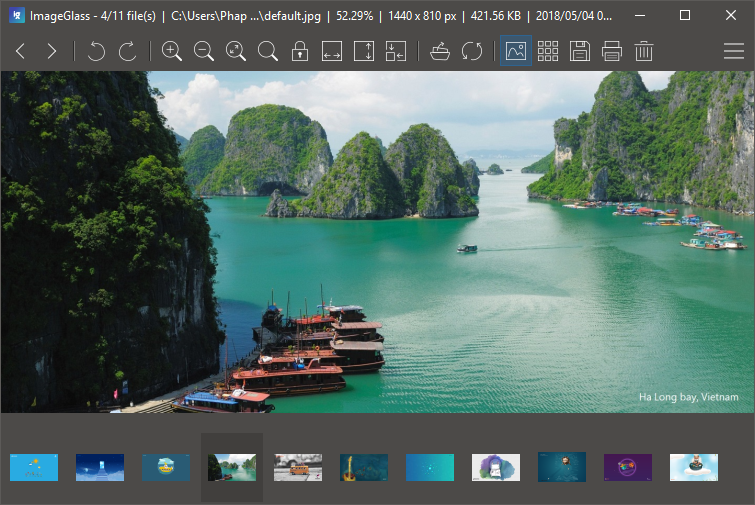

Breaking changes:
- Minimum system requirements:
- .NET Framework 4.7.1 (Download here)
- Windows 7 SP1
- Removed Plugin support.
- Removed Share to Facebook feature due to privacy security concern.
New:
- Welcome new collaborator to ImageGlass team: @fire-eggs !
- Added First-launch configurations screen which allows user to quickly set up on the first launch:
- Language
- Layout mode
- Theme
- Set as default photo viewer
- Configurable Mouse wheel settings (#110, #95):
Combine with Ctrl, Shift or Alt key to:- Zoom in / out image.
- Scroll vertically.
- Scroll horizontally.
- Navigate to previous / next images.
- Color Picker tool (https://github.com/d2phap/ImageGlass/wiki/Color-picker):
Pick a color and covert to 4 formats: RGB, HEX - CMYK - HSL with Alpha channel. - Customizable toolbar buttons (#4, #146, #200):
Added ability to customize toolbar buttons (show / hide buttons). - Added Delete button to toolbar (#208).
- Added ability to save / modify (rotate) the viewing image with lossless quality (JPEG, GIF, PNG, BMP) (#263, #267, #300, #219, #239).
- Added Theme tab in Settings dialog to manage ImageGlass theme.
- Added ability to instantly apply theme without restarting app.
- Added option to show only file base name of the viewing image (#290).
- Added ability to copy the viewing image data Ctrl + Shift + C (#253).
- Added ability to real-time update thumbnails if the the thumbnails are changed (da70033).
- Decreased startup delay by using lazy initialization (ce8effe).
- Added ability to instantly update if user change the option Find images in child folders (65402af).
Changed:
- If user drags and drops a same file to the viewer, do nothing (da70033).
- Display image info for both viewing image file, image data and error image (fc926a3).
- Copy / Cut functions enhancement (d20426f):
- Removed Ctrl+Shift+C and Ctrl+Shift+X for copying / cutting multiple files due to bad user experience.
- Ctrl+C and Ctrl+X will do copying / cutting multiple files.
- Ctrl+Shift+C will copy image data instead (#253).
- ImageGlass theme config file supports HEX color code (6dde9c0).
- Viewing images can expand to the full screen dimensions without leaving any background 'border' around them (3e13be9).
Fixed:
- Set as desktop background is not working (#287).
- Win+Arrow key conflicts (#206).
- Adjust Window to actual image dimensions not respecting multiple monitors (#314).
- Menu and sub menus are opened on secondary monitor (#204).
- Image is not updated real-time if the extension is not lower case (#309 #296 #288 #270 #316 #193).
- Error when closing all ImageGlass windows due to temporary file not found (#323).
- Cursor is changed to drag mode when pressing hotkey (493f280).
- Copy / Cut multiple files function doesn't work if user pastes the files and go back the app to copy / cut again (#334).
- Real-time update when file being renamed is not triggered if user just change file extension.
- Fix the order of command line arguments preventing other apps from working as editor (6d823b2).
- Image sorting by name is not correct if user enable Find images in child folders (2261ac0).